Themes & Display Customization
Tailor the interface to your team with built-in themes, per-user layouts, and configurable screen formats.
Display Themes
InventoryPro ships with three built-in display themes - Dark, Medium, and Light - that users can switch between with a single click from the main menu. The system respects the operating system's dark mode preference as a default, so new users get a comfortable starting point without manual configuration.
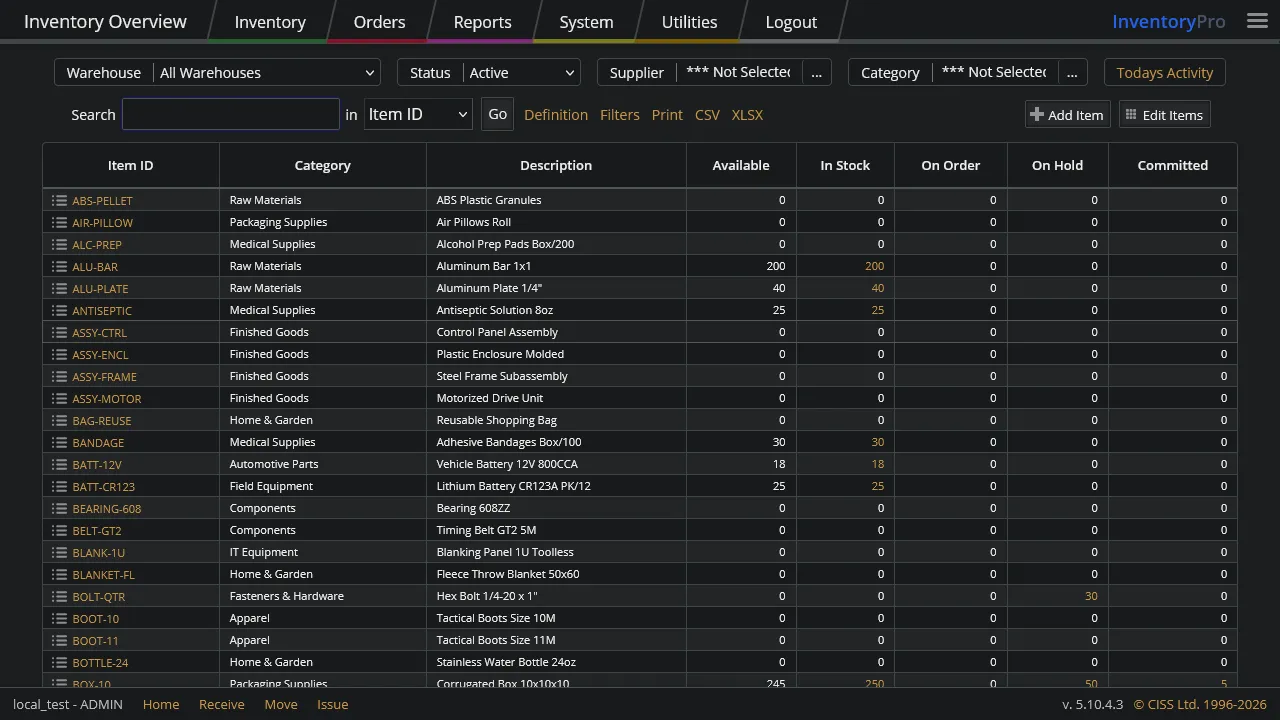
Dark
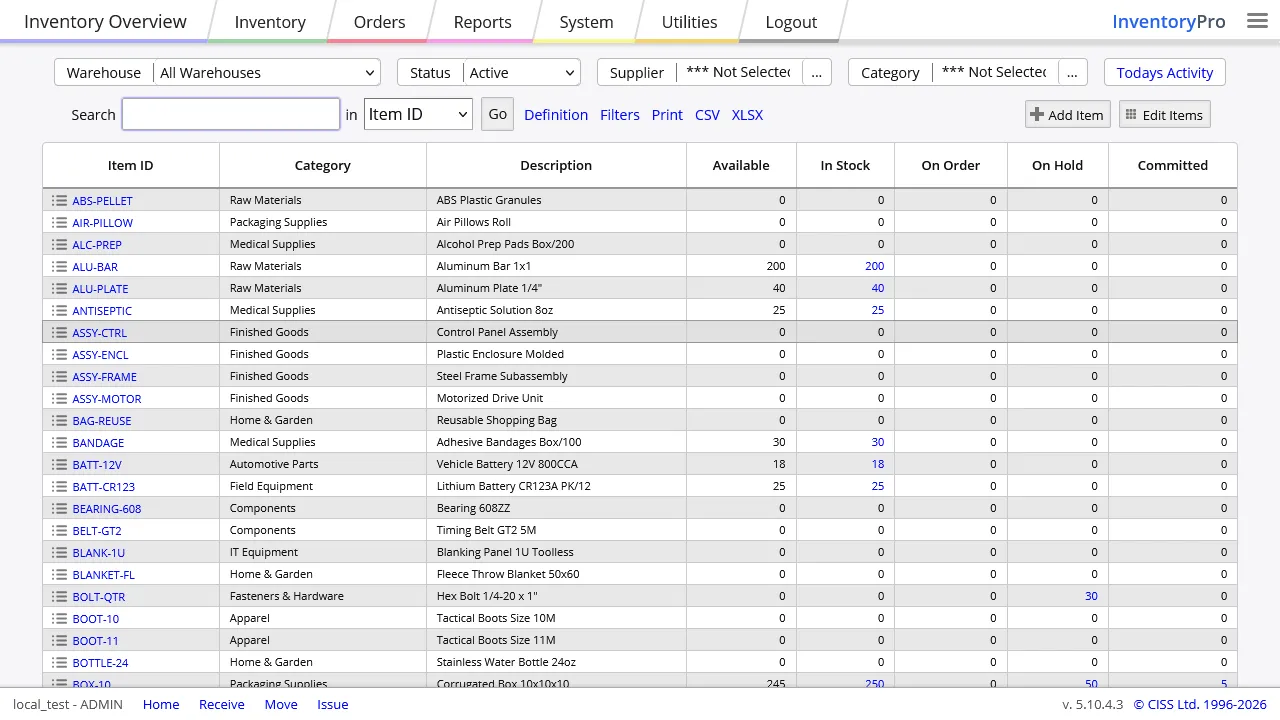
Medium
Light
Theme preferences persist across logins. The system auto-detects your OS dark mode setting as a default, with manual override always available from the menu bar.
Screen Layout Customization
Every grid and list view in InventoryPro can be customized per user. Column visibility, width, sort order, and positioning are all adjustable and saved automatically.
- Show, hide, and reorder columns
- Resize column widths with drag handles
- Per-user preferences saved across sessions
- Reset to system defaults at any time
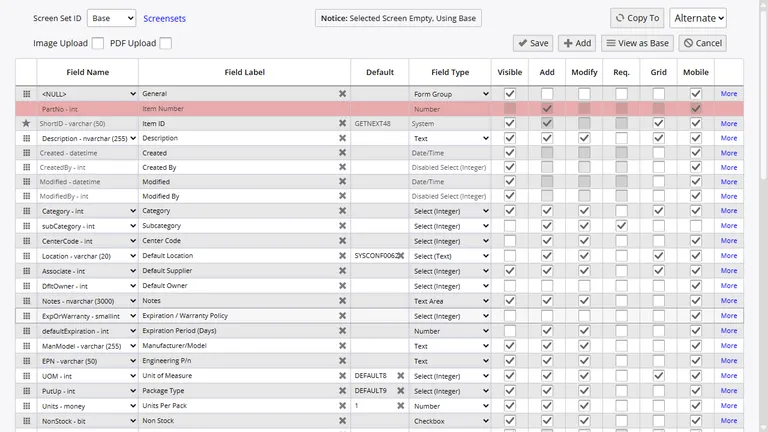
Screen Formats and Custom Fields
Administrators control which fields appear on data entry screens using screen format configurations. Fields can be shown, hidden, made read-only, or marked as required. Custom fields and spare attributes extend the data model without schema changes, letting each organization capture the information that matters to their workflow.
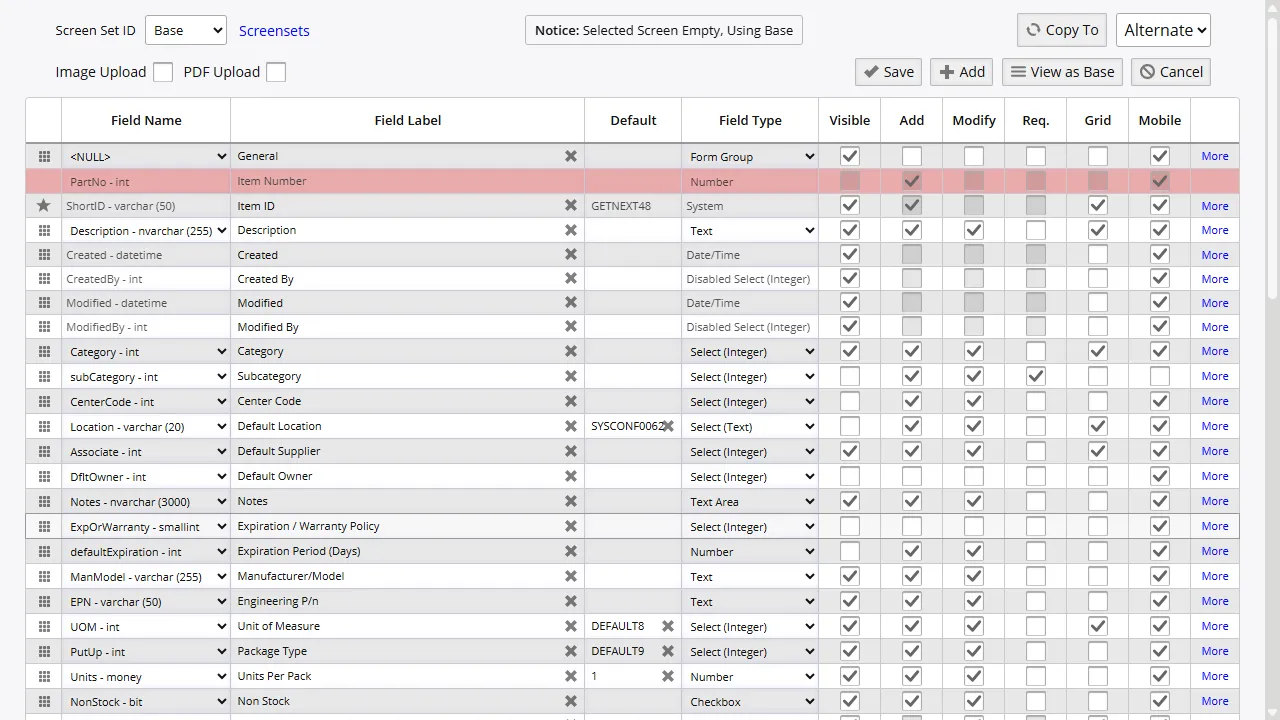
Field Visibility
Show or hide individual fields per screen. Users see only what they need for their role.
Custom Fields
Add spare text, numeric, date, and dropdown fields to items, orders, and asset records.
Default Layouts
Administrators set system-wide or group-level defaults. Users can override or reset at any time.
Report and Grid Format Customization
Reports and grid views can be configured with custom column widths, sort orders, filter defaults, and URL link columns. Administrators define report configurations centrally, and users can apply personal filters without affecting other users' views.
Label printing layouts, barcode formats, and document templates are also configurable, allowing organizations to match their existing paperwork standards and branding requirements.
Make It Yours
See how InventoryPro adapts to your team's workflow with themes, custom fields, and configurable screen layouts.