Single Sign-On Authentication
Authenticate InventoryPro users through your existing identity infrastructure - Active Directory, Okta, or Smart Cards.
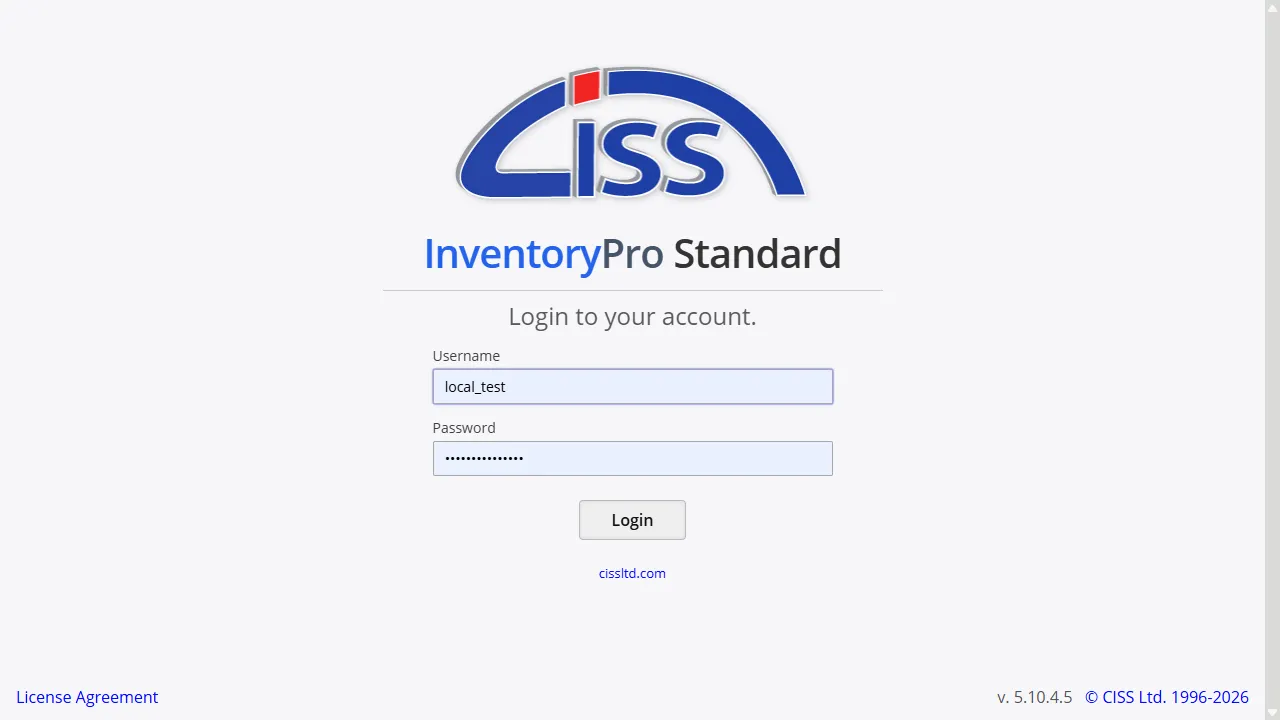
Active Directory Integration
For organizations running Windows domains, InventoryPro supports Windows Authentication. Staff who are logged into their domain workstation can access InventoryPro without entering a separate username and password. The server validates their domain credentials transparently, and they land on the dashboard.
This integration requires the InventoryPro server to be joined to your domain. User accounts in InventoryPro are linked to their Active Directory identities, so when someone is disabled in AD, they lose InventoryPro access immediately. Your IT team manages one identity per person, not two.
Okta Cloud SSO
Okta integration provides cloud-based single sign-on for organizations using the Okta identity platform. Users authenticate once through Okta and gain access to InventoryPro along with their other business applications - no separate credentials to manage or remember.
This is particularly useful for organizations with a mix of cloud and on-premises applications. InventoryPro appears in your Okta application dashboard alongside everything else, and IT administrators manage access from the Okta console using the same policies and MFA requirements they apply to other applications.
Smart Card and CAC Authentication
Government agencies, military installations, and defense contractors often require hardware-based authentication. InventoryPro supports Smart Card and Common Access Card (CAC) authentication, allowing personnel to log in by inserting their card and entering a PIN.
This capability is essential for meeting federal security requirements where password-only authentication is insufficient. Combined with InventoryPro's role-based access controls and audit trail, Smart Card authentication helps organizations maintain the security posture required for handling sensitive inventory and asset data.
Role Mapping and Access Control
How access is managed depends on the SSO method. With Okta, InventoryPro reads group claims from the identity provider during authentication. Okta group names like WMS_Administrative or WMS_Warehouse are mapped to InventoryPro permission groups automatically, so when your IT team changes someone's Okta group membership, their InventoryPro access level updates on their next login.
With Active Directory and Smart Card authentication, each user's domain identity is linked to their InventoryPro account individually. Permissions are configured within InventoryPro for each user, while the identity provider controls who can authenticate. When someone is removed from your directory or their certificate is revoked, they lose access to InventoryPro without any changes needed on the application side.
Secure Your Inventory Access
Our team configures SSO during implementation, including identity provider setup and role mapping. Contact us to discuss your authentication requirements.