UPS WorldShip Shipping Integration
Ship orders directly from InventoryPro through UPS WorldShip with automated address transfer and tracking number import.
Order Data Flows Into WorldShip
WorldShip connects directly to the InventoryPro database through an ADO data connection. When your shipping operator scans or selects an order, customer name, shipping address, and order details populate the WorldShip fields automatically. No re-keying, no alt-tabbing between screens.
A custom data view aggregates order and shipment data from InventoryPro into the format WorldShip expects. Our team builds this mapping during implementation so the import works with your existing order structure.
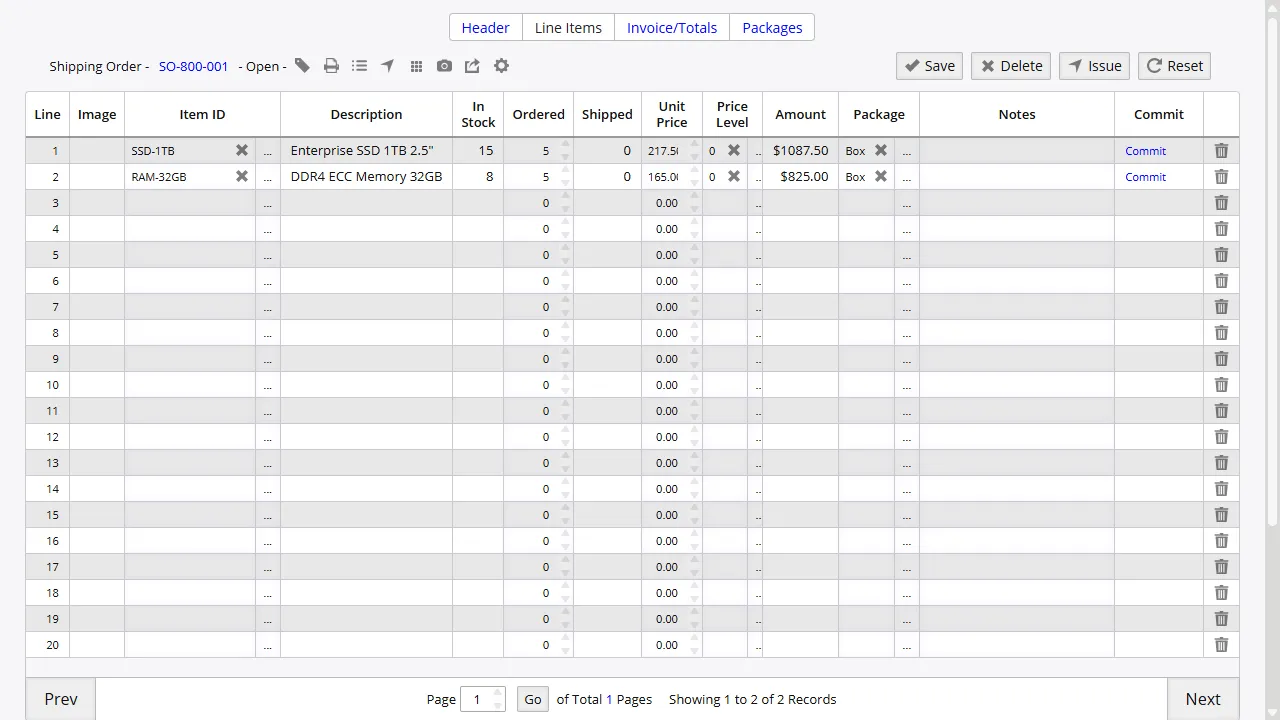
Address Data Synchronization
Shipping addresses from InventoryPro orders populate WorldShip automatically on key scan. Customer name, street address, city, state, zip, and country all carry over, ready for UPS label generation.
For operations processing high volumes of shipments daily, removing the re-keying step eliminates a common source of address typos that result in returned packages or delayed deliveries.
Tracking Number and Package Import
After WorldShip processes a shipment, tracking numbers and package details write back to the InventoryPro order packages table. Your customer service, accounting, and operations teams can all see tracking information from within their normal InventoryPro workflows.
No one has to copy tracking numbers from WorldShip into a spreadsheet or another system. The return data path is configured as part of the initial setup and runs without manual intervention.
Works with Your Existing WorldShip Setup
The integration does not replace UPS WorldShip - it extends it. WorldShip connects to the InventoryPro database through an ADO data connection, typically over a VPN or local network. Your shipping team continues to use WorldShip for label printing, rate shopping, and carrier communication as they normally would.
Our team builds the data views and field mappings during implementation, configuring both the import (orders into WorldShip) and the export (tracking and package data back to InventoryPro). The setup accommodates your existing order structure and any custom fields your operation uses.
Connect Your Warehouse to UPS WorldShip
Our team configures the UPS WorldShip integration during implementation. Contact us to discuss your shipping volume and workflow requirements.